This article is written for: Zello Work Zello Friends & Family.
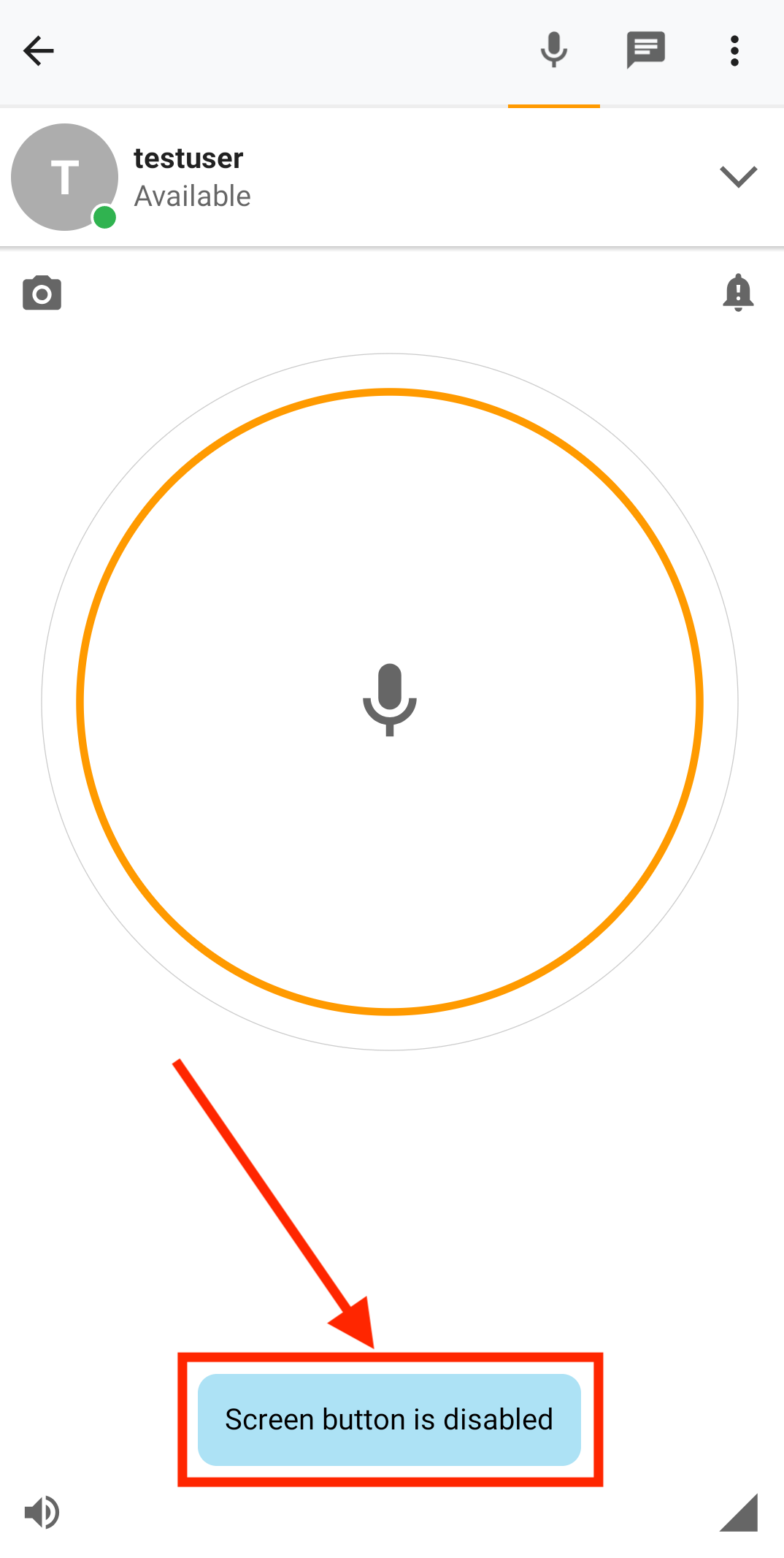
Android users can disable the PTT screen's button. This may be beneficial to users who've mapped the PTT button to a headset.
To disable the PTT screen's button:
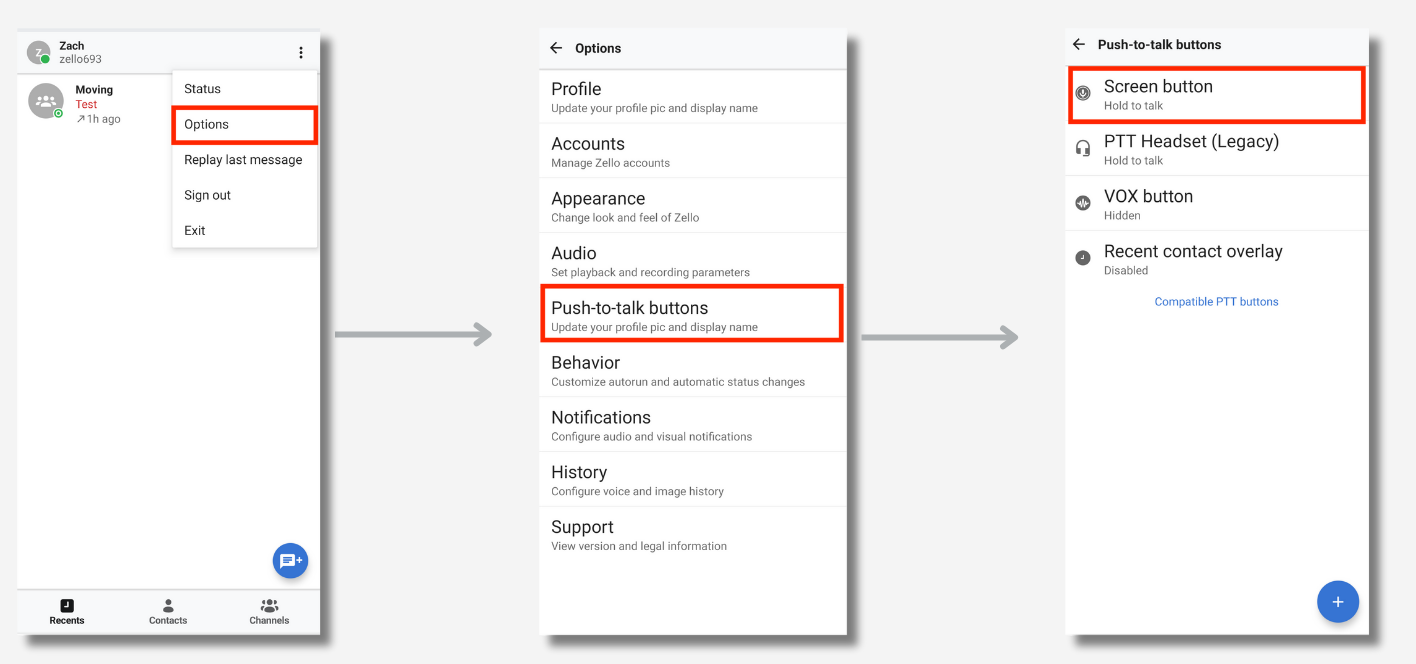
1. Open Zello and tap on the Zello menu (3 horizontal dots in the upper-right corner of your screen). Go to Options > Push-to-talk buttons > Screen button.
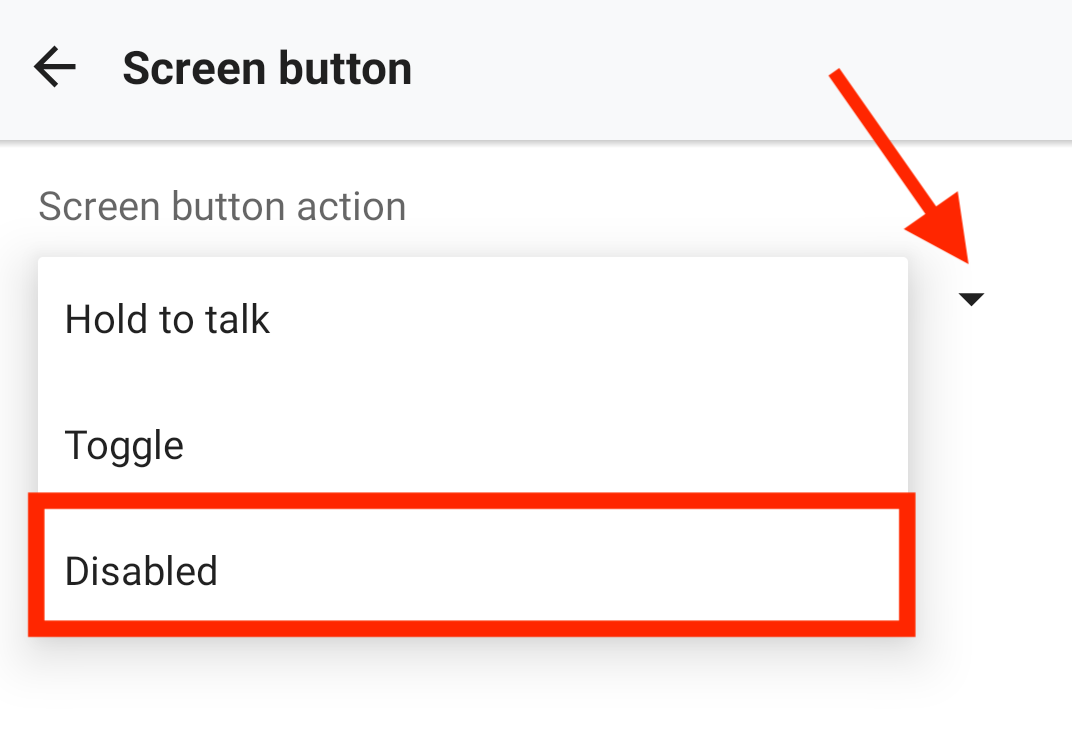
2. From the Screen button action dropdown, select Disabled.
3. Once disabled, you'll receive the following message if you try to use the screen's button: