
This article is written for: Zello Work Zello Friends & Family.
On Android 9 and above, Google Assistant may interfere with Zello's ability to process external PTT buttons. Follow the steps below to turn off Google Assistant.
- Open your device's settings and tap Google.
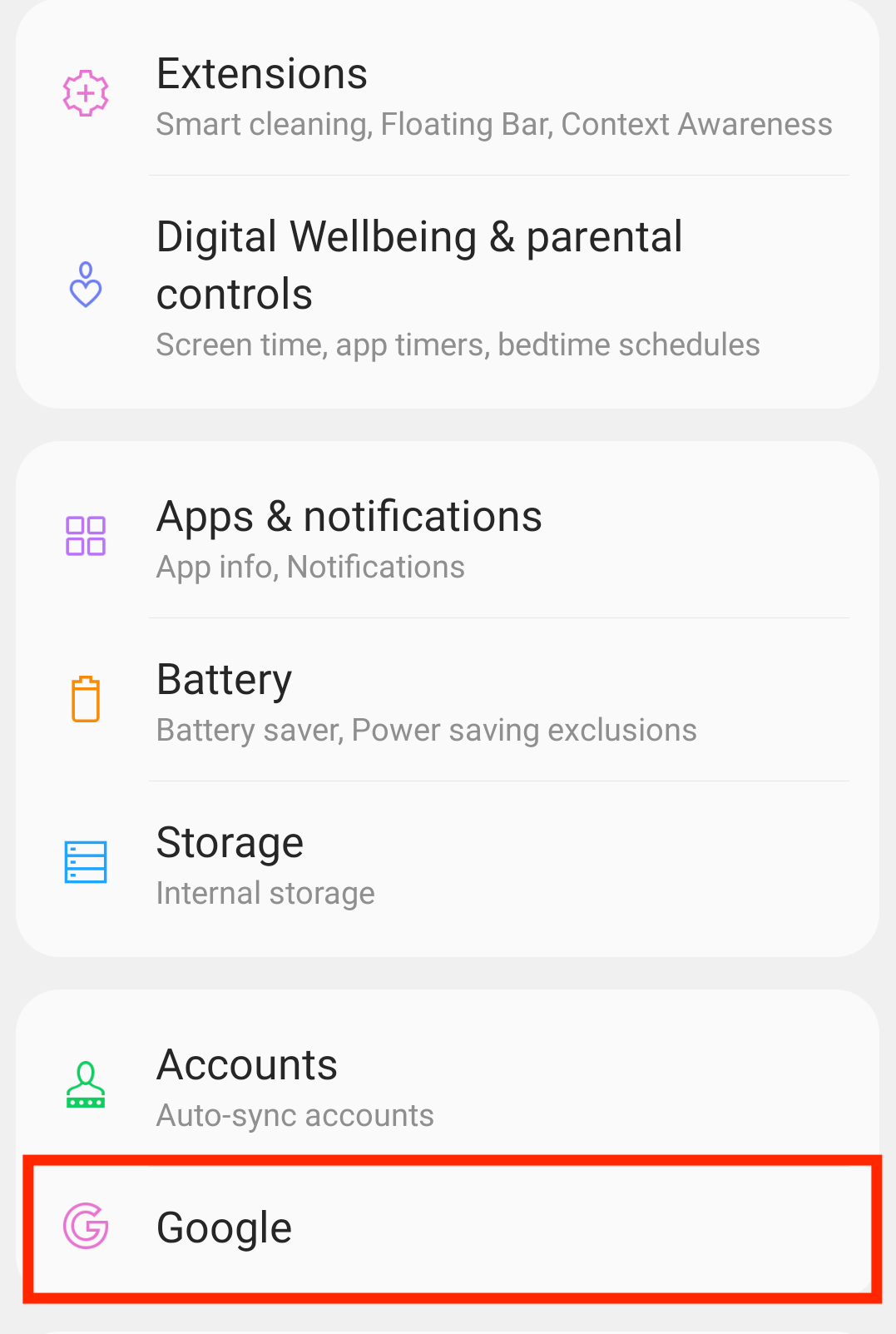
- Follow the pathway Settings for Google Apps > Search, Assistant & Voice

- Go to Google Assistant > Hey Google & Voice Match
- Turn off the Hey Google toggle.
Note: When Google Assistant is off, the toggle is gray. When it's on, the toggle is blue.