
This article is written for: Zello Work Zello Friends & Family.
Sending live voice messages on Zello using our push-to-talk button is easy! To get started, follow these steps:
1. Start by selecting the Zello contact or channel you wish to talk to.
2. Press and hold the circular push-to-talk (PTT button).
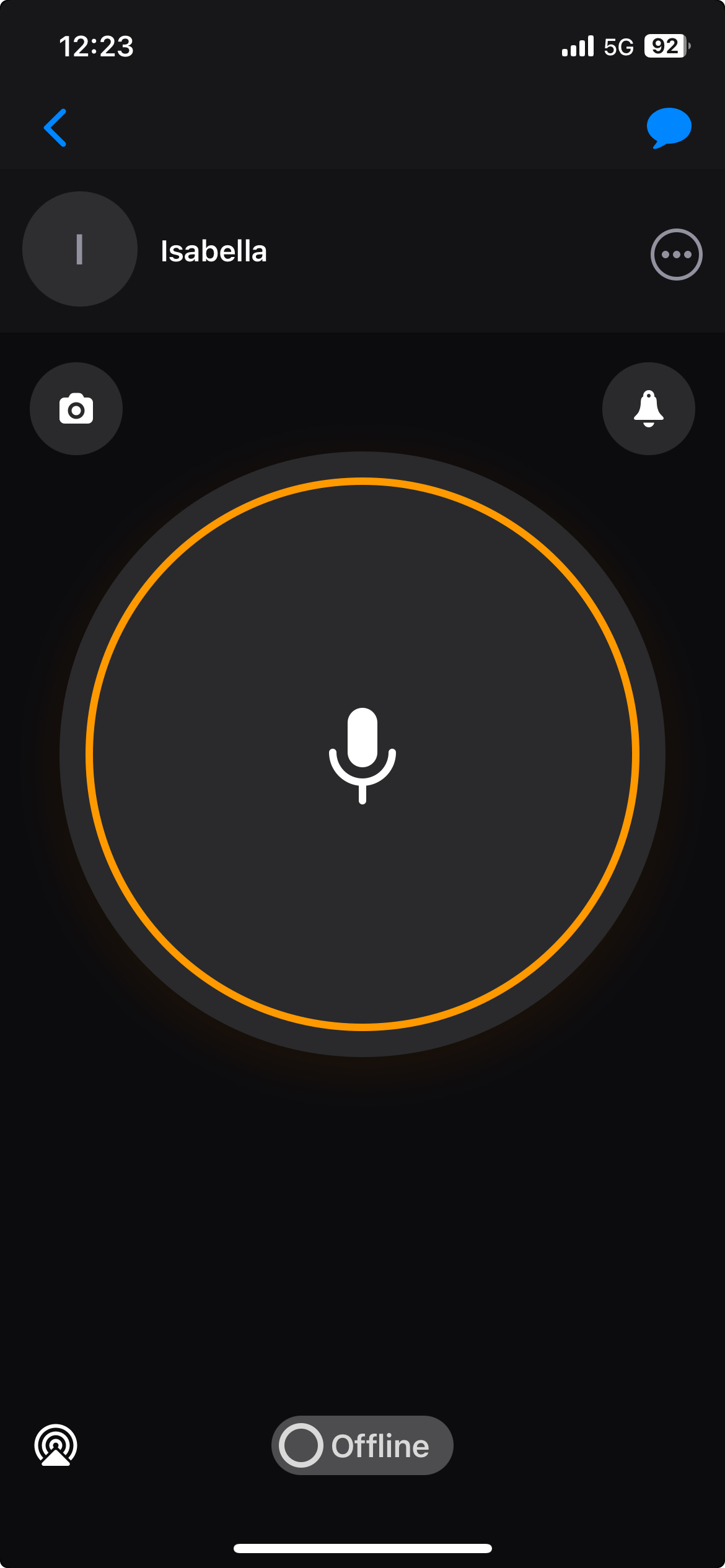
3. After you hear the ready-to-talk beep and see the circular ring turn red, you may begin recording your audio message.
4. Release the button to stop transmitting.
Related to